
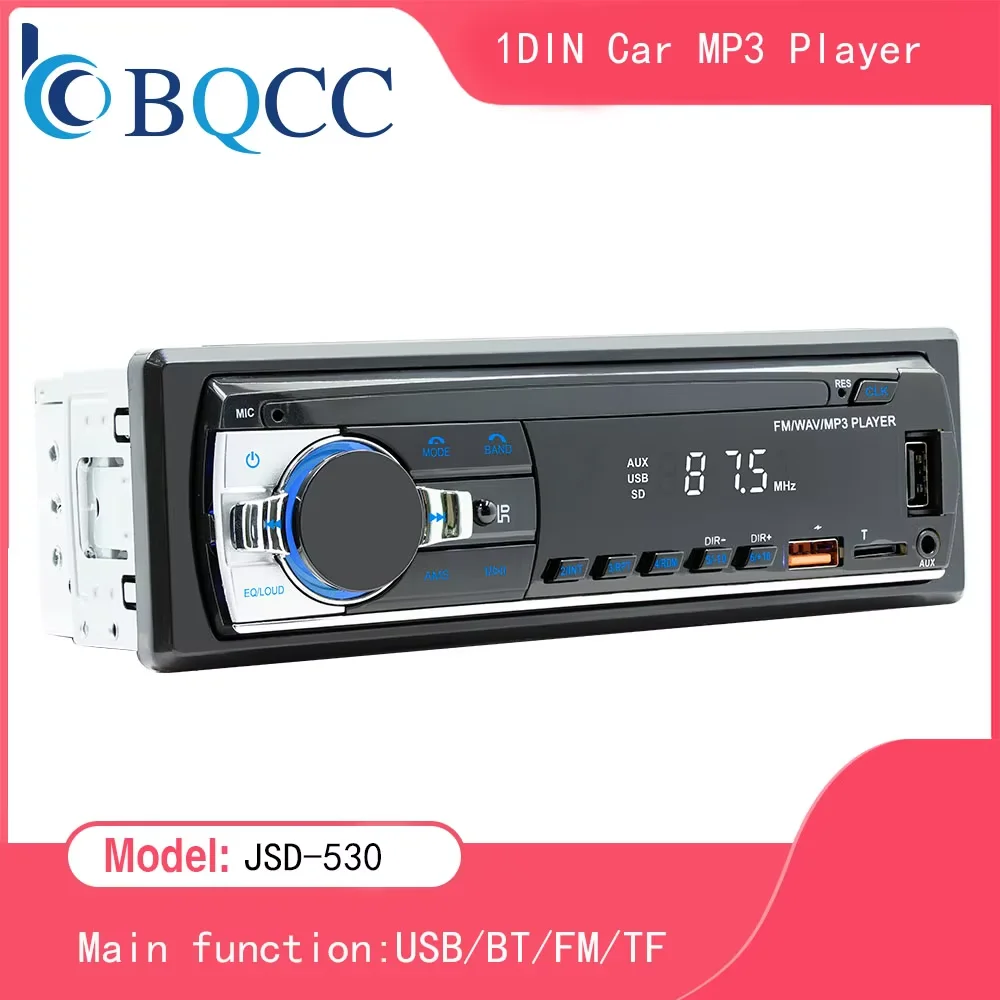
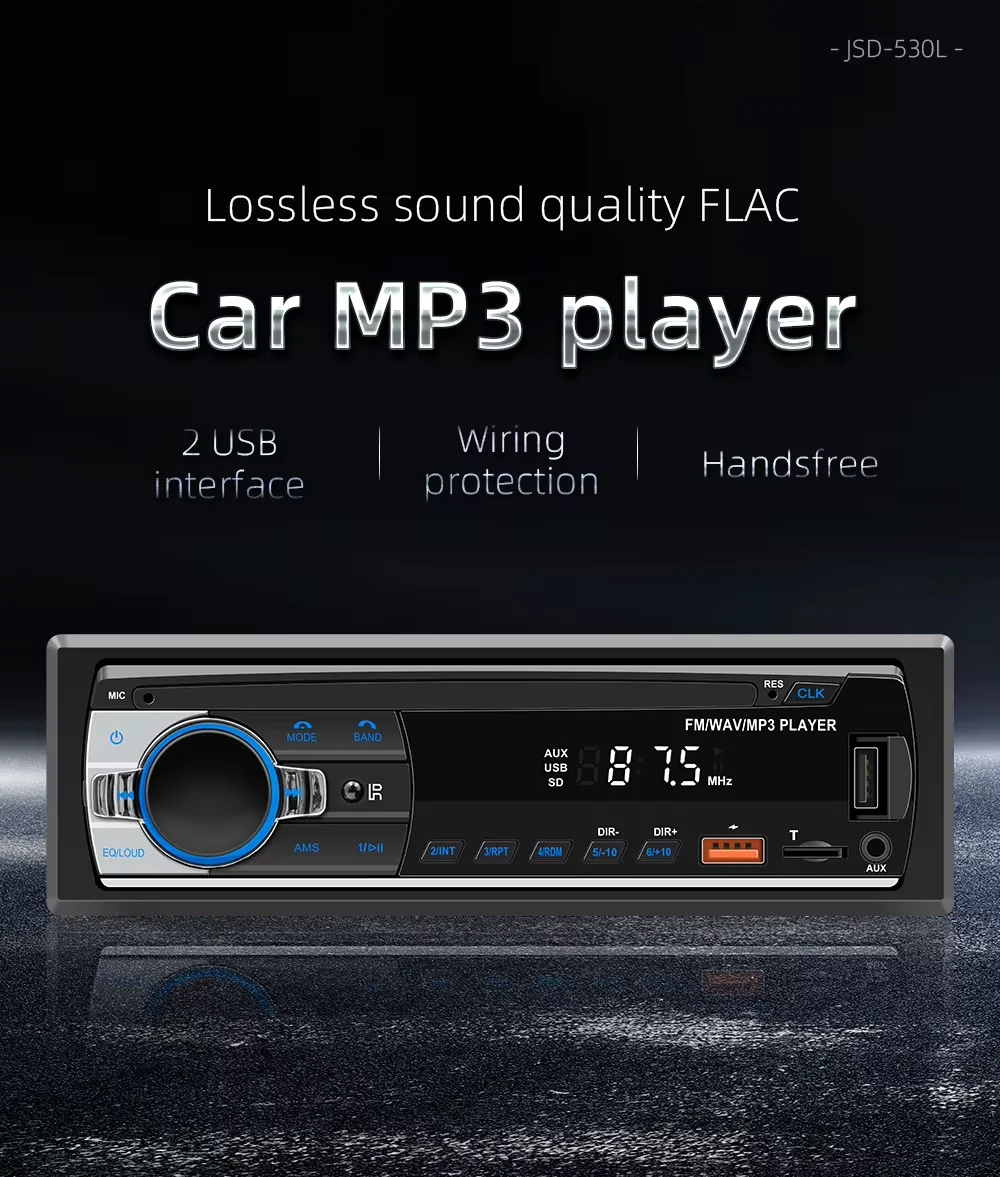
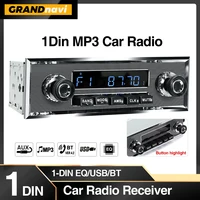
BQCC Car Radio Stereo Player Digital Bluetooth MP3 Player JSD-530 520 60Wx4 FM Audio Stereo Music USB/SD with Built-in AUX Input
9,37 €
13 in stock
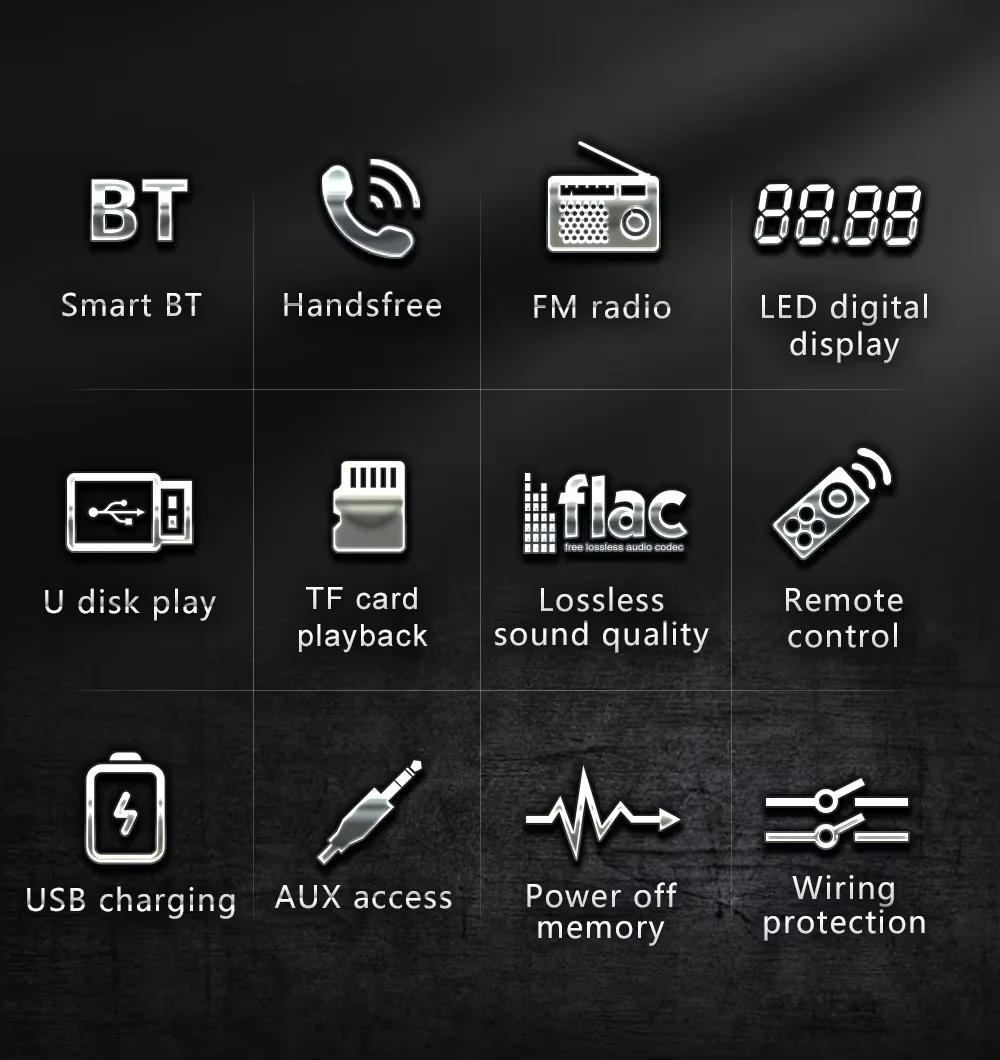
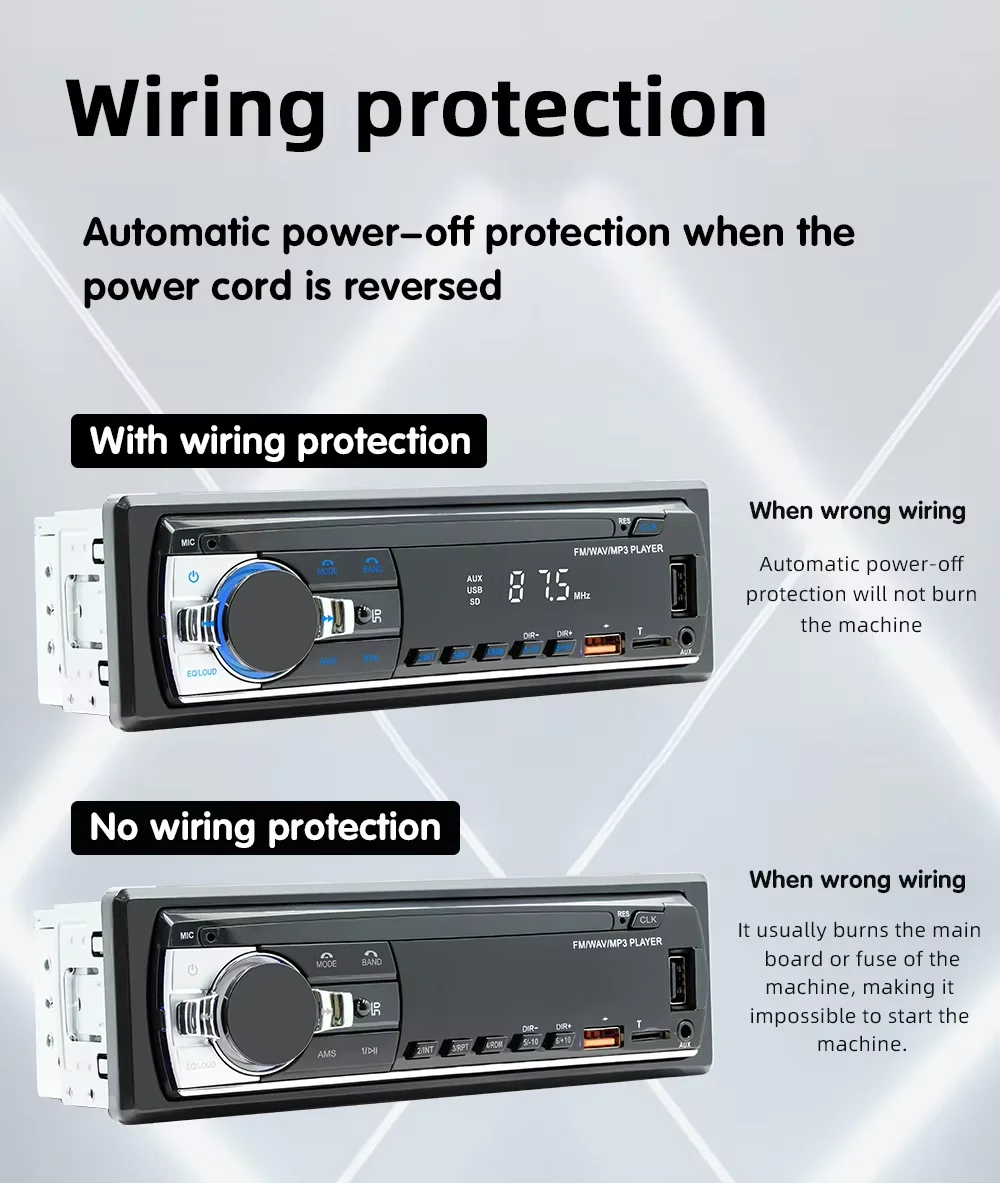
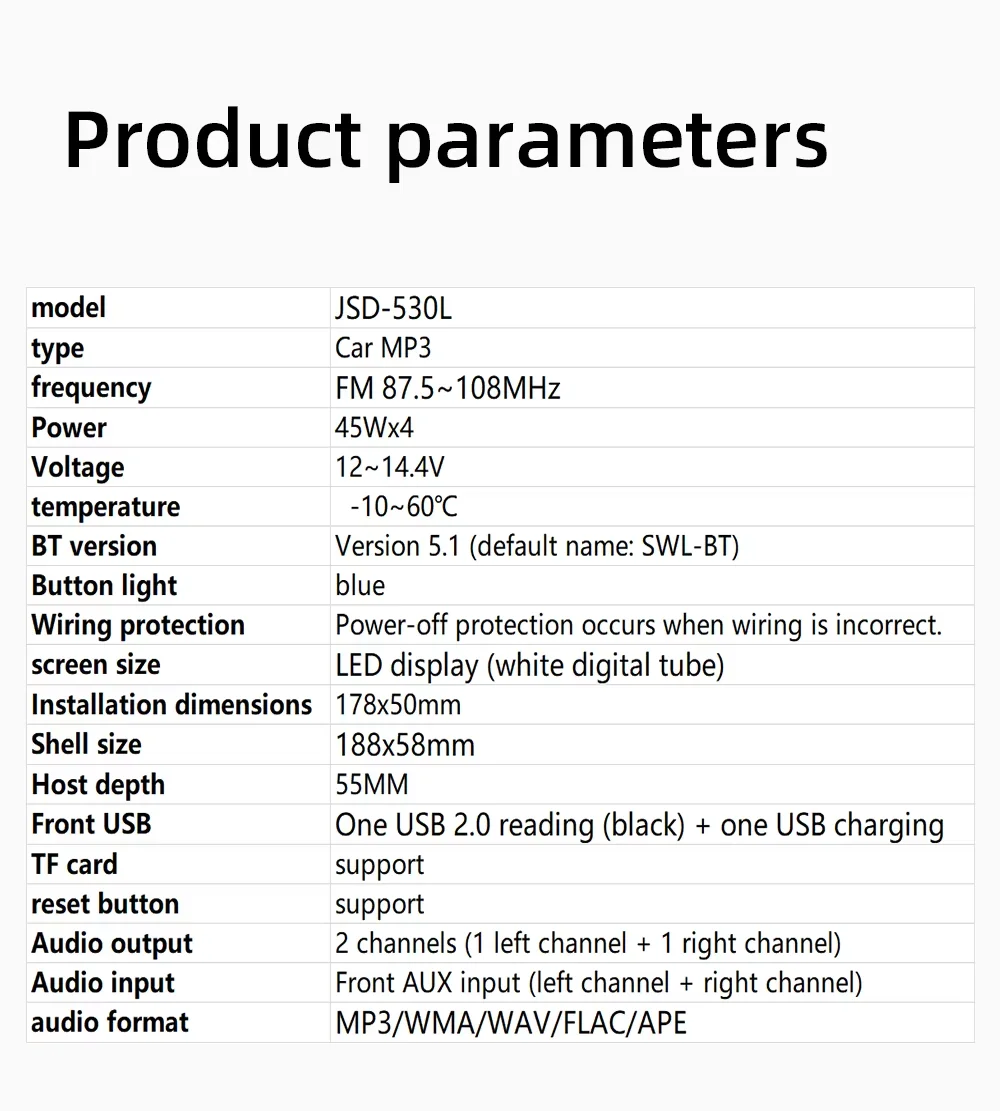
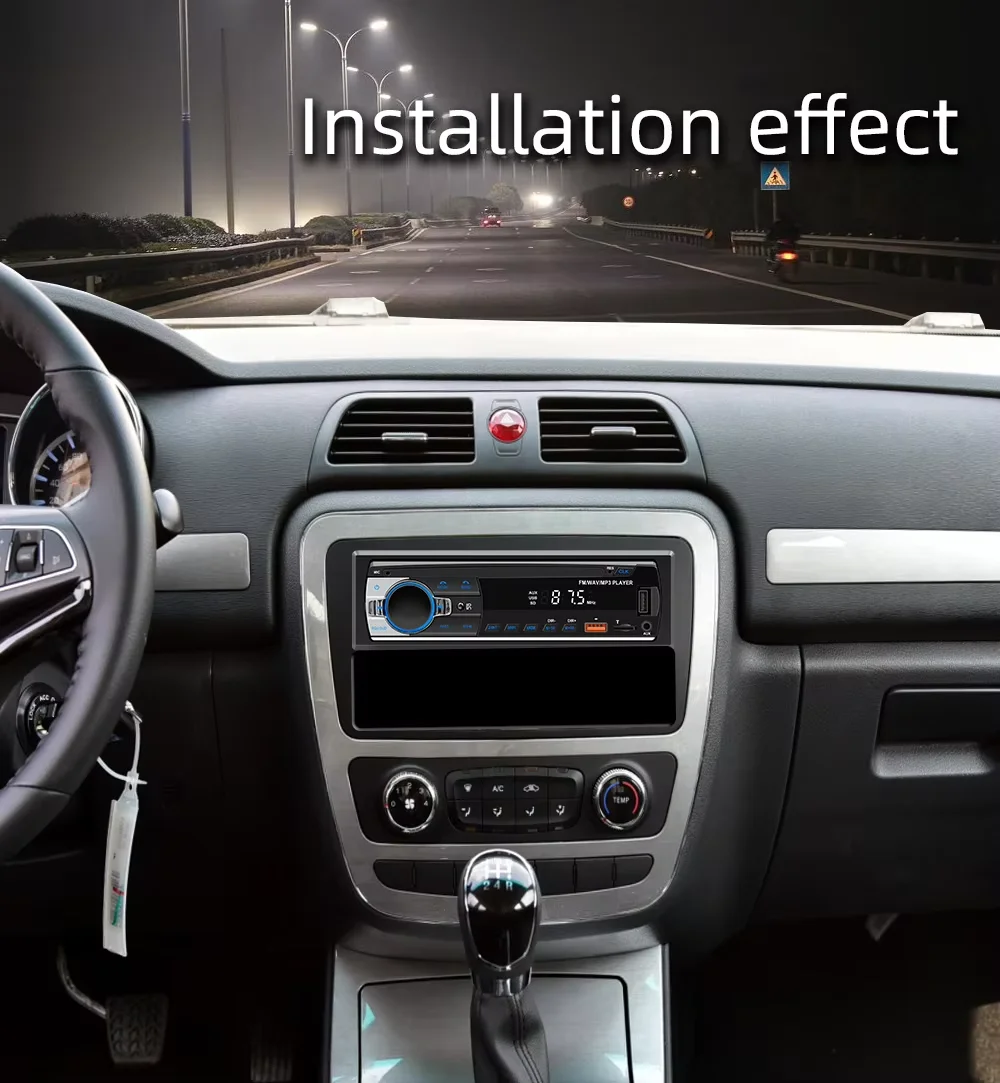
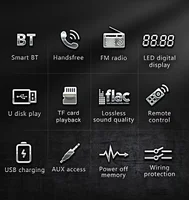
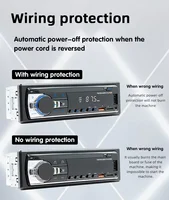
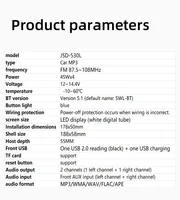
• Digital Bluetooth MP3 Player :Enjoy your favorite tunes with the digital Bluetooth MP3 player that allows you to play music from your phone or other devices.• In Dash AUX Input :The in-dash AUX input allows you to connect your phone or other devices to the car's audio system for a • 60Wx4 FM Audio Stereo :The 60Wx4 FM audio stereo provides high-quality sound for an immersive listening experience.• USB/SD Input :The USB/SD input allows you to play music from a variety of sources, including USB drives and SD cards.Accessories:Report ItemDin : Double DinVoltage : 12VItem Weight : 0.33kgOrigin : Mainland ChinaModel: JSD-530software solution : 1900Radio frequency : FM 87.5~108MHzRadio IC : Chip IntegrationPower amplifier IC : TDA1028output power : 45Wx4operation temperature : -10~60℃Bluetooth version : Version 5.0Screen size:Mobile Internet : APP connection1. Host 2. Power cord 3. Remote control (18 keys) 4. Instructions (with positioning QR code) 5. Disassembly keyBasic functions:1. Radio2. Card reading USB flash drive (audio)3. TO function4. Bluetooth function5. RCA audio output can be connected to a subwoofer6. Colorful lighting7. Voice Assistant Function8. Mobile app function, location and car search function9. Sound source copying function10. Power supply polarity reversal protection functionQ&AQ: Do not turn on, the screen does working well?A: Please check whether the power cable of the machine is connected incorrectly or incorrectly. The normal wiring method is as follows: the yellow wire (B+) is connected to the 12V cable that is always active, and the red wire (ACC) is connected to the key cable of the original car. The method of judging the key cable is as follows: the key cable is 12V when the car is started and 0V when it is closed; Black connected with the negative pole; Check for blown fuses at electrical outlets in cars and machines.Q: No sound from the horn?A: Please check whether the horn wire of the machine is connected correctly. Please connect the horn of the original car strictly in accordance with the interface definition of the manual or the body label. Otherwise, the power amplifier chip of the machine may be damaged.Q: Can't remember the last radio station and music you set?A: Please check whether the red and yellow wires are reversed. Make sure that the yellow wire (B+) is always connected to the original car cable with 12V voltage, and the red wire (ACC) is connected to the original car key cable. The key cable is 12V when the car is started and 0V when it is closed.Q: Can't read or play SD, USB music and videos?A: Please use 8G or 16G storage card or USB flash drive. Some large-capacity storage devices may not support it. Format the storage device to ensure that the storage device's file system is the default value; Partially encoded video or music may not be recognized by the machine, please use common format media files.Q: The Bluetooth connection fails, or some functions are abnormal after connection?A: Please use your mobile phone to search for Bluetooth of the machine, the name is "CAR BT" or "CAR KIT"; Delete the devices that have been paired with but are not connected to the phone. Some Bluetooth devices that have been paired with each other may cause the phone's Bluetooth cannot be paired with other devices or its function is abnormal.A: The above involves disassembly and circuit problems, please seek professional operation,so as to avoid damage to your car.Q:Can't remember time and date?A:Because of the high temperature in the car in summer, in order to ensure safety, the machine does not have a battery, so it cannot remember the time and date. After connecting the mobile phone, it will automatically update the time and date.Q:How do you get the sound through the car horn?A:There are three points regarding the sound problem1. The device has a small speaker for sound, which can be turned off via settings.2. Use the device's FM transmission function to send sound to the original car radio e.g., set 86.3MHZ on the device, play USB music, then search 86.3MHZ on the car radio.3. Employ the 3.5mm AUX cable to transmit audio to the original carplayer through the machine's AUX OUT interface some models don't support this refer to the product interface description for details.Q:Why is there no sound from the device?A:Plug in the AUX cable and turn on the FM transmitter. A: When the FM transmitter is turned on, The built-in speaker needs to be turned off, there is no sound from the speakersQ:is it possible to send audio to car speakers via Bluetooth?A:None, only via AUX cable or FM channel.Q:How do you sync sound via FM?A:Open the FM TRANSMITTER on the device, click ON on the device, adjust the channel of the car radio to an empty station, and set the radio on the device to the same frequency as the car radio, the setting is complete.Q:How to synchronize the sound through the AUX line? A:Find the AUX cable in the package, connect one end of the cable to the AUDl0 port in the upper left corner of the device, and the other end to the AUX-N port on the car, and enter the AUX playback interface in the car to set the radio synchronization sound.Q:Why doesn't the screen light up?A:Check that the power supply is connected correctly. The light on the USB will light up if one end of the cigarette lighter is in place, and the other end connects to the Dc 12V power port on the lower left side of the unit.A: After confirming the power on, if the screen still does not light up, there is a reset button on the back of the device, press and hold for 3 seconds. A: Software problems, you can upgrade the software, please contact customer service.


| Weight | 0,364 kg |
|---|---|
| Dimensions | 22 × 12 × 8 cm |
| Brand Name | BQCC |
| Origin | Mainland China |
| Display Size | None |
| High-concerned chemical | None |
| Material | ABS+Meta |
| OSD Language | English |
| Out Power | 60Wx4 |
| Voltage | 12 V |
| Certification | CE |
| Special Features | Radio Tuner |
| Model Name | M11 |
| Radio Response Bandwidth | 87.5-108.0MHz |
| Item Weight | 0.4 |
| Placement | In-Dash |
| Choice | yes |